The Karl app for Shopify
Your Shopify store sells the bike.Karl insures it.
With the Karl app, your buyers tick a box for insurance on the product page. After the purchase they sign up with Karl, and you earn a commission on the premiums.
Rather talk? Call us: +43 670 308 3703
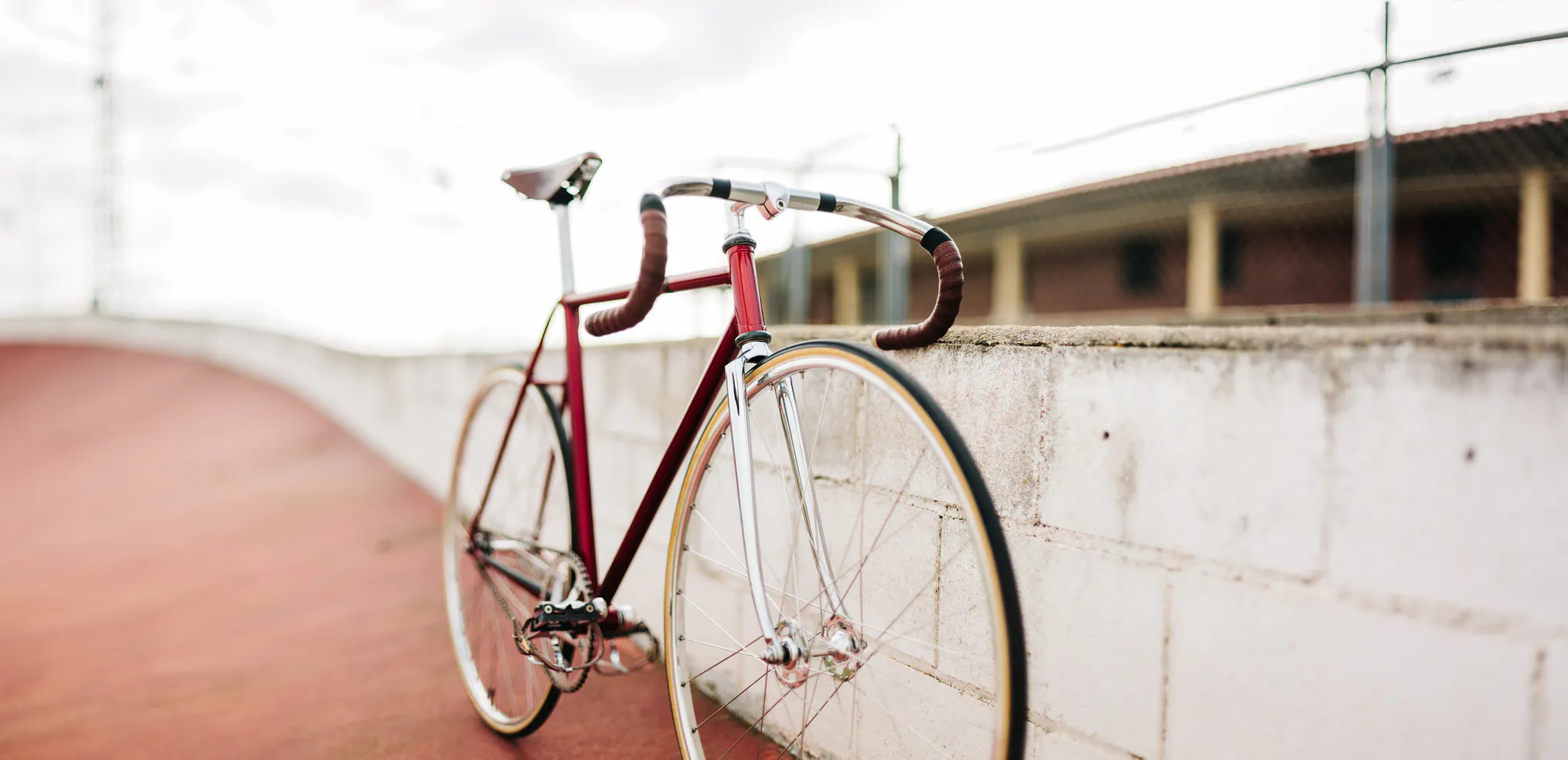
Classic road bike
Steel frame, 56 cm
€ 1.890
Karl Your bike insurance
Ride worry-free, get a personal insurance offer tailored to your new bike.
No obligation. We'll email you after checkout to activate.
- Your checkout stays as it is
- Free and non-binding for your buyers
- In five languages
Do you run a shop or a workshop? Karl for bike shops and workshops
For your buyers
Three steps in your store, two with Karl.
Your buyers decide while they shop. They sign up after the purchase, with Karl.
In your store
1.Tick the box
They choose insurance on the product page. Free and non-binding.
2.Pay as usual
They pay for the bike at your checkout. Nothing changes there.
3.Activate the insurance
On the thank-you page they activate the insurance.
With Karl
4.An email from Karl
Karl sends them their application. The bike's details come from the order.
5.Complete the application
A short application, and the bike is insured. The policy counts for your store.
For your store
What's in it for you.
A commission on the premiums
Every policy that comes through your store is credited to you. You get a share of the premiums we collect for it.
Nothing to sell, nothing to explain
The app offers the insurance. Karl takes care of the sign-up, the questions and the claims.
Your checkout stays as it is
No extra payment step in your store. Your buyers pay for the insurance with Karl.
Your partner portal
There you see your policies and your commission, and download your statements.
Karl hosts and maintains the app. It speaks German, English, French, Italian and Spanish.
How it works
Live in four steps.
From your application to the first insured bike.
1.You apply
Tell us about your store below. We'll get back to you and send you the partner agreement.
2.You install the app
We send you an install link issued for your store, and you approve the installation in Shopify.
3.You set it up
Mark your bikes as insurable and place two blocks: the card on the product page and the block on the thank-you page.
4.We switch you live
Let us know when everything is in place. From then on, your buyers get the email from Karl after their purchase.
Other shop systems
Not on Shopify?
Until the app is ready for your system, connect Karl with the premium calculator or a direct link.
Soon for WooCommerce too
We are building the app for WooCommerce as well. Apply now, and we'll let you know as soon as it's ready.
Premium calculator
Two lines of code on your product page. Your buyers see their premium and start their application with Karl.
Read the calculator guideDirect link
After the purchase, your system creates a prefilled application and gives your buyers the link.
Read the direct link guide
Application
Apply as a partner
A few details about your store are all we need. We'll get back to you within one working day, and if everything fits, you get the install link for your store.
Contact
Let's talk.
Tell us about your shop. We'll get back to you and talk everything through in person.
Go to the partner portal